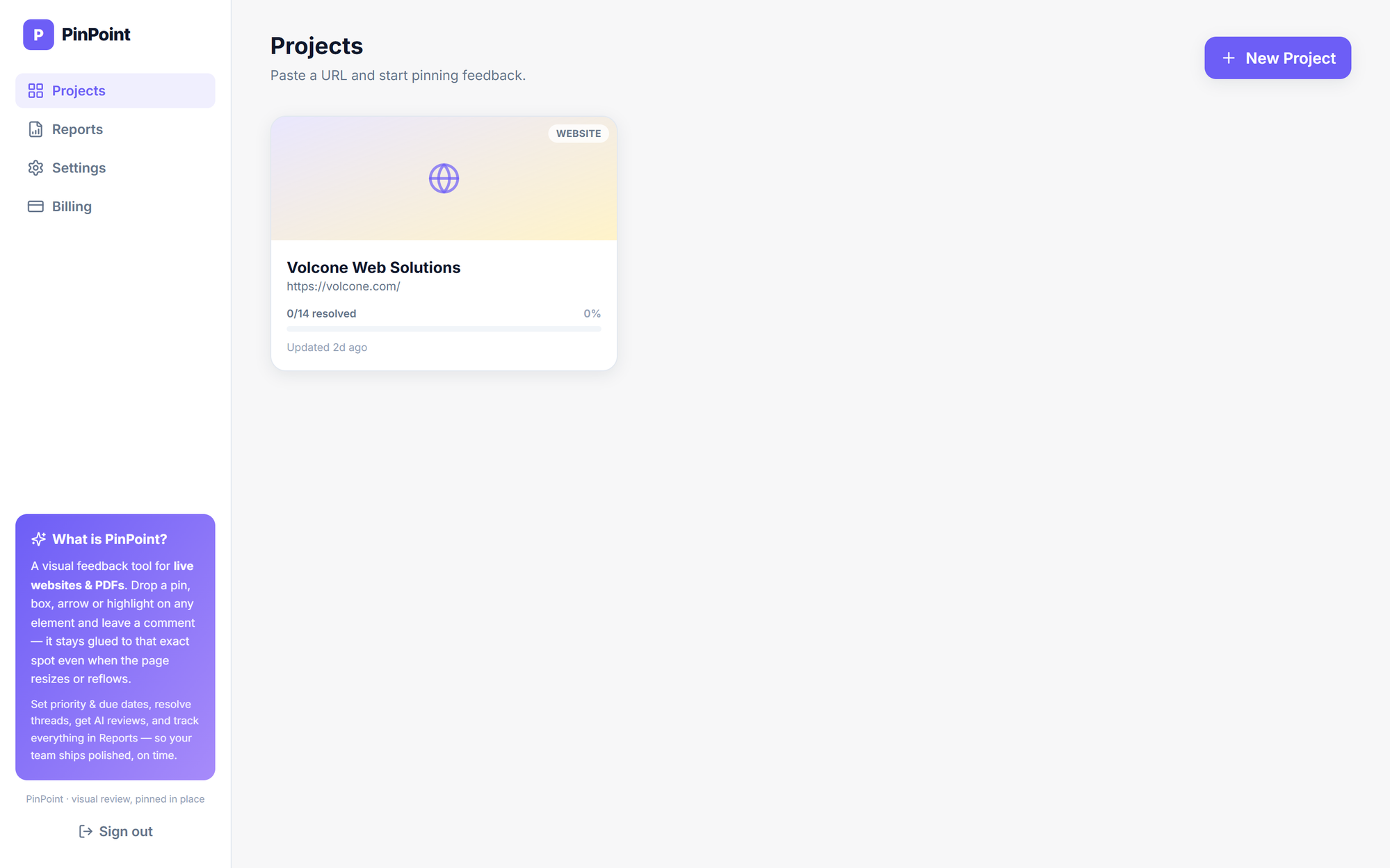
Create the project
Paste a URL or upload a PDF from the dashboard. No domain verification, no script, no extension. The project is live the second you create it.

Walk through the real app, from creating a project to the last resolved pin. Use the arrows or your keyboard.
Paste a URL or upload a PDF from the dashboard. No domain verification, no script, no extension. The project is live the second you create it.
Paste a URL or upload a PDF from the dashboard. No domain verification, no script, no extension. The project is live the second you create it.
Generate screenshots across device and resolution presets. Pins re-anchor automatically and every comment records where it was raised, like D: 1920.
One click and Pip reviews the rendered page for branding, content, SEO, UI/UX, accessibility and conversion. Every finding becomes a pin with a suggested fix.
Drop a pin, box, circle, arrow or highlight on the real element. Add rich text, images and voice notes, then set priority, assignee and due date.
Teammates and clients review the same page in real time. Pins, replies and resolutions appear for everyone instantly, with names and colours.
One filterable table for the whole workspace. Filter by project, status, priority, due date and device, and watch the resolved percentage climb.