'%3e%3ctitle%3ePip%20-%20speaking%3c/title%3e%3cstyle%3e%20.bobf{transform-box:fill-box;transform-origin:center;animation:pipbob%201.1s%20ease-in-out%20infinite}%20@keyframes%20pipbob{0%25,100%25{transform:translateY(0)}50%25{transform:translateY(-6px)}}%20.blip{animation:pipblip%201.3s%20ease-in-out%20infinite}%20@keyframes%20pipblip{0%25,70%25,100%25{opacity:.3}35%25{opacity:1}}%20.mouth{transform-box:fill-box;transform-origin:center;animation:pipmouth%20.3s%20ease-in-out%20infinite}%20@keyframes%20pipmouth{0%25,100%25{transform:scaleY(1)}50%25{transform:scaleY(.45)}}%20@media%20(prefers-reduced-motion:%20reduce){*{animation:none!important}}%20%3c/style%3e%3c!--%20speech%20bubble%20+%20tail%20+%20talking%20dots%20--%3e%3cpath%20d='M84%2040%20L76%2050%20L92%2042%20Z'%20fill='%236D5EF6'/%3e%3crect%20x='80'%20y='12'%20width='46'%20height='28'%20rx='9'%20fill='%236D5EF6'/%3e%3ccircle%20class='blip'%20cx='92'%20cy='26'%20r='2.8'%20fill='%23fff'/%3e%3ccircle%20class='blip'%20cx='103'%20cy='26'%20r='2.8'%20fill='%23fff'%20style='animation-delay:.25s'/%3e%3ccircle%20class='blip'%20cx='114'%20cy='26'%20r='2.8'%20fill='%23fff'%20style='animation-delay:.5s'/%3e%3cg%20class='bobf'%3e%3c!--%20legs%20--%3e%3cpath%20d='M50%20114%20L47%20132'%20stroke='%23fff'%20stroke-width='12'%20stroke-linecap='round'/%3e%3cpath%20d='M50%20114%20L47%20132'%20stroke='%235B4BE0'%20stroke-width='8'%20stroke-linecap='round'/%3e%3cellipse%20cx='45'%20cy='134'%20rx='8'%20ry='4.5'%20fill='%235B4BE0'%20stroke='%23fff'%20stroke-width='2.5'/%3e%3cpath%20d='M68%20114%20L71%20132'%20stroke='%23fff'%20stroke-width='12'%20stroke-linecap='round'/%3e%3cpath%20d='M68%20114%20L71%20132'%20stroke='%235B4BE0'%20stroke-width='8'%20stroke-linecap='round'/%3e%3cellipse%20cx='73'%20cy='134'%20rx='8'%20ry='4.5'%20fill='%235B4BE0'%20stroke='%23fff'%20stroke-width='2.5'/%3e%3c!--%20left%20arm%20--%3e%3cpath%20d='M26%2074%20Q18%2086%2017%2099'%20fill='none'%20stroke='%23fff'%20stroke-width='13'%20stroke-linecap='round'/%3e%3cpath%20d='M26%2074%20Q18%2086%2017%2099'%20fill='none'%20stroke='%235B4BE0'%20stroke-width='8'%20stroke-linecap='round'/%3e%3ccircle%20cx='16'%20cy='101'%20r='6.5'%20fill='%235B4BE0'%20stroke='%23fff'%20stroke-width='2.5'/%3e%3c!--%20antenna%20--%3e%3cline%20x1='59'%20y1='30'%20x2='59'%20y2='15'%20stroke='%235B4BE0'%20stroke-width='5'%20stroke-linecap='round'/%3e%3ccircle%20cx='59'%20cy='10'%20r='6.5'%20fill='%236EE7B7'%20stroke='%23fff'%20stroke-width='2.5'/%3e%3c!--%20head%20/%20body%20shield%20--%3e%3cg%20transform='translate(14%2028)%20scale(0.9)'%3e%3cpath%20d='M0%2050%20A50%2050%200%200%201%2050%200%20A50%2050%200%200%201%20100%2050%20A50%2050%200%200%201%2050%20100%20L4%20100%20A4%204%200%200%201%200%2096%20Z'%20fill='%236D5EF6'%20stroke='%23fff'%20stroke-width='7'/%3e%3c/g%3e%3c!--%20chest%20check%20badge%20--%3e%3ccircle%20cx='59'%20cy='92'%20r='11'%20fill='%23fff'/%3e%3cpath%20d='M53.5%2092%20l3.5%203.5%20L66%2084.5'%20fill='none'%20stroke='%236D5EF6'%20stroke-width='3.4'%20stroke-linecap='round'%20stroke-linejoin='round'/%3e%3c!--%20right%20arm%20--%3e%3cpath%20d='M92%2074%20Q100%2086%20101%2099'%20fill='none'%20stroke='%23fff'%20stroke-width='13'%20stroke-linecap='round'/%3e%3cpath%20d='M92%2074%20Q100%2086%20101%2099'%20fill='none'%20stroke='%235B4BE0'%20stroke-width='8'%20stroke-linecap='round'/%3e%3ccircle%20cx='102'%20cy='101'%20r='6.5'%20fill='%235B4BE0'%20stroke='%23fff'%20stroke-width='2.5'/%3e%3c!--%20eyes%20--%3e%3cellipse%20cx='49'%20cy='56'%20rx='8'%20ry='10'%20fill='%23fff'/%3e%3cellipse%20cx='71'%20cy='56'%20rx='8'%20ry='10'%20fill='%23fff'/%3e%3ccircle%20cx='50'%20cy='57'%20r='3.8'%20fill='%232A2350'/%3e%3ccircle%20cx='72'%20cy='57'%20r='3.8'%20fill='%232A2350'/%3e%3c!--%20talking%20mouth%20--%3e%3cg%20class='mouth'%3e%3cellipse%20cx='59'%20cy='74'%20rx='6'%20ry='5'%20fill='%232A2350'/%3e%3cellipse%20cx='59'%20cy='76'%20rx='3'%20ry='2'%20fill='%23FF8A7A'/%3e%3c/g%3e%3c/g%3e%3c/svg%3e)
One click from pin to solution
The exact colour, copy or markup change, checked against the standard.
Get a quote2.4:1Fails AA
Get a quote8.1:1Passes AAA

Screenshots and vague emails turn a two-minute fix into a multi-day scavenger hunt. And the issues nobody reported still ship.
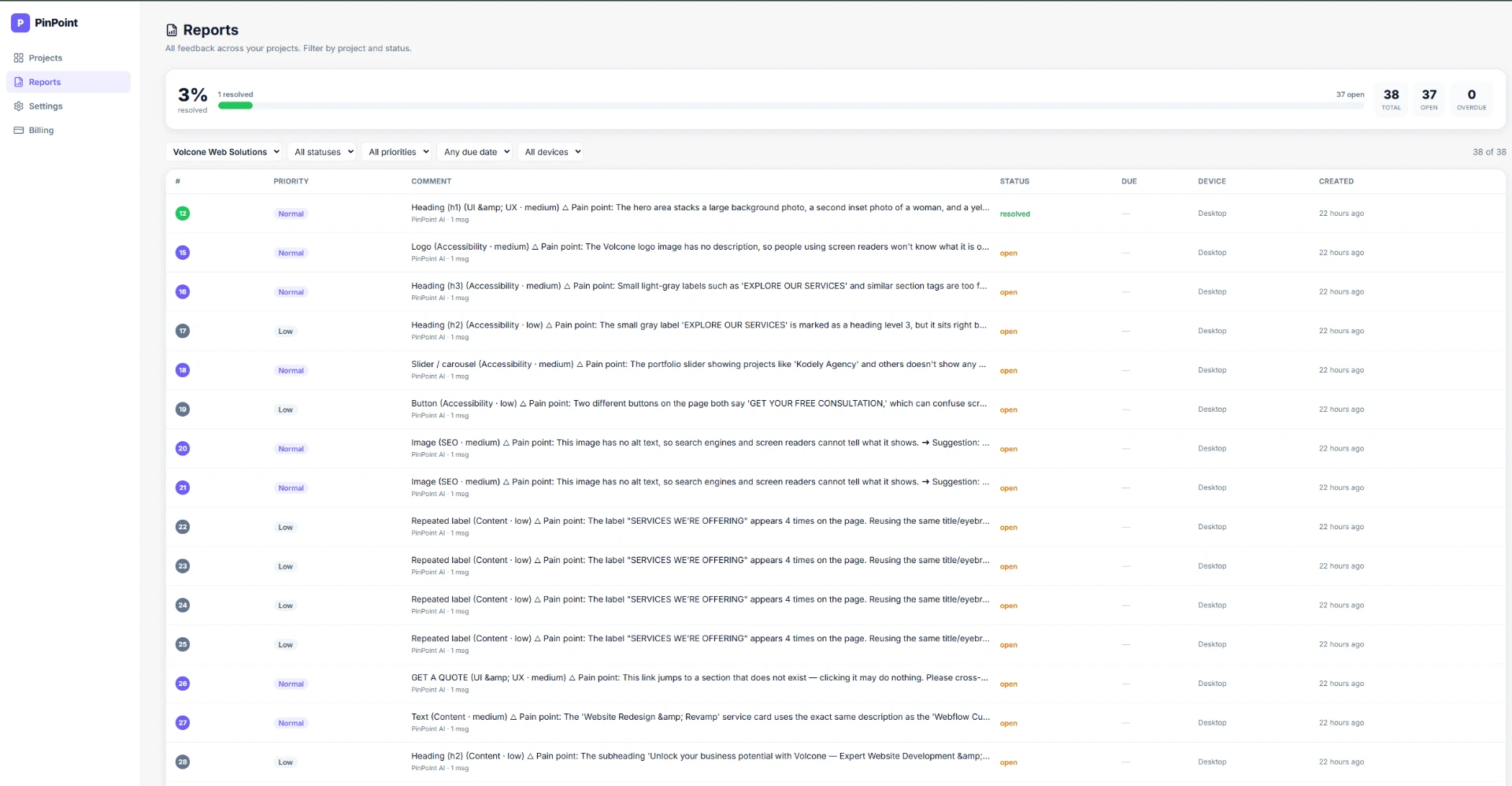
Pip leads five specialist agents that review your page in a single pass. Each inspects a different layer and pins what it finds with a suggested fix.
Pip runs the QA, leads the specialist agents, and answers questions about your workspace with evidence. When it counts, Pip hands you to a real technician with full context.
'%3e%3ctitle%3ePip%20-%20normal,%20blinking%3c/title%3e%3cstyle%3e%20.bob{transform-box:fill-box;transform-origin:center;animation:pipbob%202.6s%20ease-in-out%20infinite}%20@keyframes%20pipbob{0%25,100%25{transform:translateY(0)}50%25{transform:translateY(-6px)}}%20/*%20eyes%20blink:%20open%20most%20of%20the%20cycle,%20a%20quick%20squash%20near%20the%20end%20*/%20.blink{transform-box:fill-box;transform-origin:center;animation:pipblink%204s%20ease-in-out%20infinite}%20@keyframes%20pipblink{0%25,90%25,100%25{transform:scaleY(1)}95%25{transform:scaleY(.08)}}%20@media%20(prefers-reduced-motion:%20reduce){*{animation:none!important}}%20%3c/style%3e%3cg%20class='bob'%3e%3c!--%20legs%20--%3e%3cpath%20d='M50%20114%20L47%20132'%20stroke='%23fff'%20stroke-width='12'%20stroke-linecap='round'/%3e%3cpath%20d='M50%20114%20L47%20132'%20stroke='%235B4BE0'%20stroke-width='8'%20stroke-linecap='round'/%3e%3cellipse%20cx='45'%20cy='134'%20rx='8'%20ry='4.5'%20fill='%235B4BE0'%20stroke='%23fff'%20stroke-width='2.5'/%3e%3cpath%20d='M68%20114%20L71%20132'%20stroke='%23fff'%20stroke-width='12'%20stroke-linecap='round'/%3e%3cpath%20d='M68%20114%20L71%20132'%20stroke='%235B4BE0'%20stroke-width='8'%20stroke-linecap='round'/%3e%3cellipse%20cx='73'%20cy='134'%20rx='8'%20ry='4.5'%20fill='%235B4BE0'%20stroke='%23fff'%20stroke-width='2.5'/%3e%3c!--%20left%20arm%20--%3e%3cpath%20d='M26%2074%20Q18%2086%2017%2099'%20fill='none'%20stroke='%23fff'%20stroke-width='13'%20stroke-linecap='round'/%3e%3cpath%20d='M26%2074%20Q18%2086%2017%2099'%20fill='none'%20stroke='%235B4BE0'%20stroke-width='8'%20stroke-linecap='round'/%3e%3ccircle%20cx='16'%20cy='101'%20r='6.5'%20fill='%235B4BE0'%20stroke='%23fff'%20stroke-width='2.5'/%3e%3c!--%20antenna%20--%3e%3cline%20x1='59'%20y1='30'%20x2='59'%20y2='15'%20stroke='%235B4BE0'%20stroke-width='5'%20stroke-linecap='round'/%3e%3ccircle%20cx='59'%20cy='10'%20r='6.5'%20fill='%236EE7B7'%20stroke='%23fff'%20stroke-width='2.5'/%3e%3c!--%20head%20/%20body%20shield%20--%3e%3cg%20transform='translate(14%2028)%20scale(0.9)'%3e%3cpath%20d='M0%2050%20A50%2050%200%200%201%2050%200%20A50%2050%200%200%201%20100%2050%20A50%2050%200%200%201%2050%20100%20L4%20100%20A4%204%200%200%201%200%2096%20Z'%20fill='%236D5EF6'%20stroke='%23fff'%20stroke-width='7'/%3e%3c/g%3e%3c!--%20chest%20check%20badge%20--%3e%3ccircle%20cx='59'%20cy='92'%20r='11'%20fill='%23fff'/%3e%3cpath%20d='M53.5%2092%20l3.5%203.5%20L66%2084.5'%20fill='none'%20stroke='%236D5EF6'%20stroke-width='3.4'%20stroke-linecap='round'%20stroke-linejoin='round'/%3e%3c!--%20right%20arm%20--%3e%3cpath%20d='M92%2074%20Q100%2086%20101%2099'%20fill='none'%20stroke='%23fff'%20stroke-width='13'%20stroke-linecap='round'/%3e%3cpath%20d='M92%2074%20Q100%2086%20101%2099'%20fill='none'%20stroke='%235B4BE0'%20stroke-width='8'%20stroke-linecap='round'/%3e%3ccircle%20cx='102'%20cy='101'%20r='6.5'%20fill='%235B4BE0'%20stroke='%23fff'%20stroke-width='2.5'/%3e%3c!--%20eyes%20(blink)%20--%3e%3cg%20class='blink'%3e%3cellipse%20cx='49'%20cy='58'%20rx='8.5'%20ry='10.5'%20fill='%23fff'/%3e%3cellipse%20cx='71'%20cy='58'%20rx='8.5'%20ry='10.5'%20fill='%23fff'/%3e%3ccircle%20cx='51'%20cy='60'%20r='4'%20fill='%232A2350'/%3e%3ccircle%20cx='73'%20cy='60'%20r='4'%20fill='%232A2350'/%3e%3ccircle%20cx='49'%20cy='58'%20r='1.4'%20fill='%23fff'/%3e%3ccircle%20cx='71'%20cy='58'%20r='1.4'%20fill='%23fff'/%3e%3c/g%3e%3c/g%3e%3c/svg%3e)
Leads five specialist agents and pins every finding on the real element.
Reads your real reviews, scores and pins, not a canned FAQ.
Opens a ticket with full context, so you never repeat yourself.
Priority, ratings and email updates. Picks up where you left off.
The exact colour, copy or markup change, checked against the standard.
Context-aware too: no invented problems on a good page, deeper digging on a weak one.
Rule-based checks catch what is always wrong. AI handles the judgment calls. Every pin says what works, what hurts and what to do.
PinPoint opens your real, live website so anyone can mark it up. No plugins, no extension. Pins, replies and resolutions appear for everyone instantly.
Pins attach to the real DOM element and stay glued through scroll, resize and reflow.
Point pin, rectangle, circle, arrow and text highlight, with a custom comment cursor.
Browse hides pins and lets clicks pass through so you can navigate the real site.
Formatting, image attachments with a lightbox, and voice notes on any reply.
Priority, assignees, due dates, resolve and reopen, filters and a progress bar.
Owner, Admin and Editor members plus Commenter and Viewer guests.
No API key, nothing to connect, no separate AI bill. Each agent runs on Auto, a balanced model we pick, and you can choose a model per agent anytime.
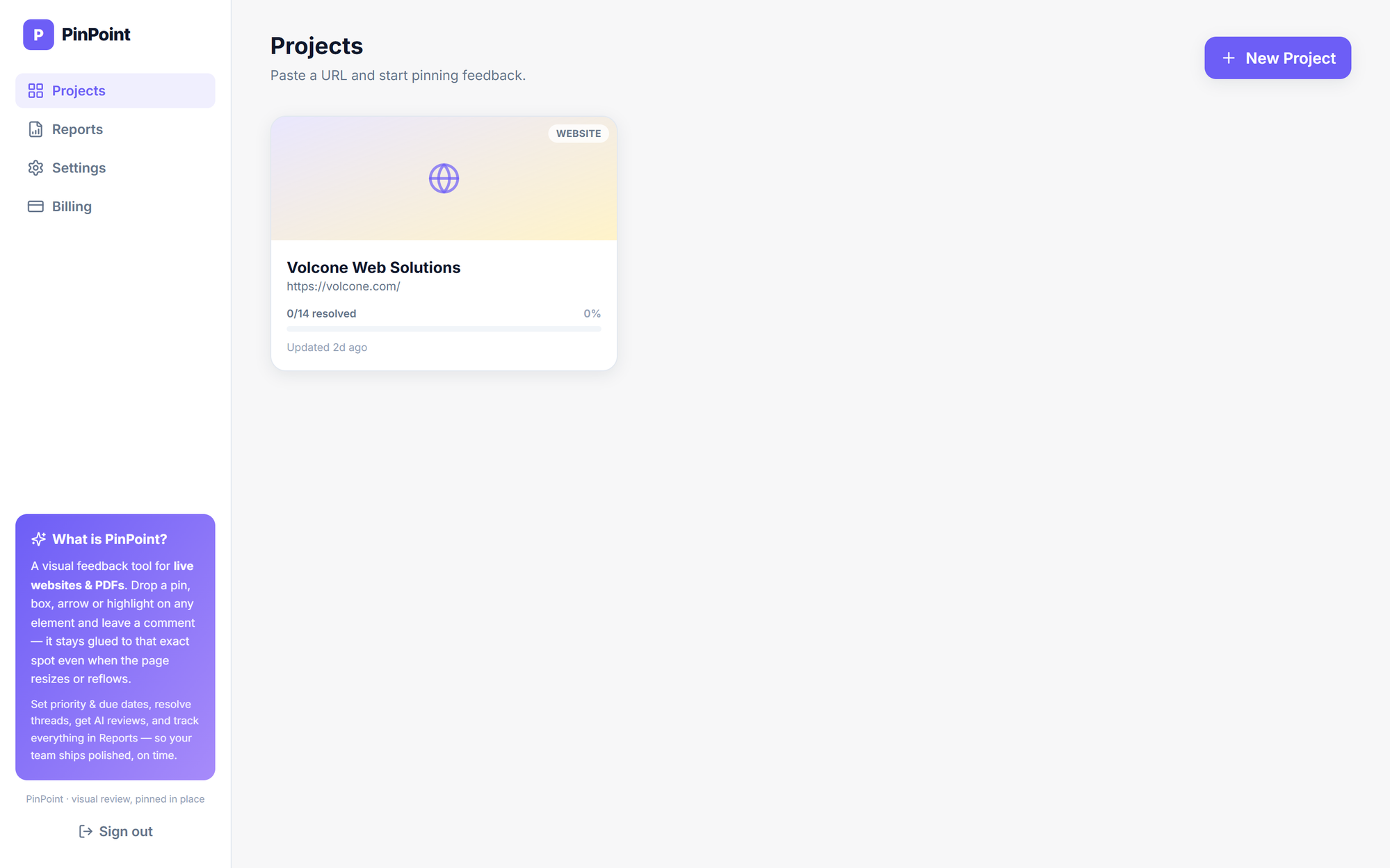
PinPoint is a visual website feedback and AI QA tool. Paste a URL or upload a PDF, Pip and the AI agents review it, and your team leaves comments pinned to the exact element on the live page.